


LCMS is probably the most misunderstood acronym in digital learning. It gets confused with the LMS, when it actually answers a different need: producing the content rather than distributing it.
This page gives you the definition of the Learning Content Management System, its concrete differences with the LMS, and the criteria to work out which one you need.
What is an LCMS?
What is the definition of a Learning Content Management System?
An LCMS, or Learning Content Management System, is a platform dedicated to producing training content. It centralises its creation, storage, updating and distribution.
What sets it apart is its object: the educational content itself, not the learner. The LCMS brings together an authoring tool, a content management system and a collaboration space in one environment.
In practice, a designer builds a module there, files it in a shared library, then reuses it across several learning paths without rebuilding it.
What is an LCMS made of?
Behind the interface, an LCMS rests on five building blocks:
- A central repository storing all your training content
- Creation and editing tools usable without technical skills
- A version and metadata management system
- Search and cataloguing functions to locate any module
- A distribution interface for several channels
That last block is what fuels the confusion with the LMS. An LCMS can distribute, but that is not what it exists for.
What is an LMS and what is it for?
An LMS, or Learning Management System, is software for managing and distributing training. It handles enrolments, tracks progress and issues certificates.
Its role is that of a conductor: it steers the learning paths and measures what learners do with them. Some solutions extend this logic towards the learner experience and become LXPs.
An LMS imports content, but it rarely produces any. That is precisely where the boundary with the LCMS lies.
LMS vs LCMS: what are the concrete differences?
Both tools handle the same content, but not at the same moment and not for the same people. The table below sums up the gaps that matter when you are choosing.
Who manages the content?
The LMS organises courses that already exist. It files them, assigns them to populations and handles the administrative follow-up.
The LCMS works upstream. It lets you design interactive modules, break them into reusable blocks and adjust the experience as needs change.
Who is each tool for?
The LMS is aimed first at training managers and HR teams. It also underpins the management of mandatory professional training.
The LCMS is aimed at instructional designers and subject matter experts. They are the ones producing the material and keeping it alive over time.
How is content created?
In an LMS, creation is often limited to importing files: PDFs, videos, quizzes, or modules produced elsewhere. Any update means going back through the original tool.
In an LCMS, creation happens inside the platform. A correction is reflected everywhere the module is used, with no reimport.
What do their analytics measure?
The LMS answers one question: where are your learners? Completion rates, results, progress, compliance.
The LCMS answers another: is your content working? It identifies the most engaging modules and those due for a rewrite.
How does an LCMS actually work?
Content travels through an LCMS in five stages, from raw idea to published module:
- Creation: the designer writes in the built-in authoring tool, imports existing material and adds activities.
- Storage: each element joins the central repository, indexed by metadata so it can be found and reused.
- Assembly: blocks are combined into modules then packaged, usually in SCORM format.
- Distribution: the module goes out to an LMS, a web portal or a mobile learning app.
- Measurement: usage data comes back and drives the next round of content updates.
The loop between the fifth stage and the first is what separates an LCMS from a plain authoring tool. The content is never frozen.
Are LMS and LCMS rivals or complements?
Which standards handle the handover between them?
Three standards make content portable from one system to another. SCORM remains the most widespread, xAPI tracks learning that happens outside the platform, and AICC survives in some industrial environments.
Thanks to them, a module built in an LCMS can be dropped into any compatible LMS. That is why many organisations run both tools side by side.
.webp)
Worth knowing
A SCORM export freezes the module at the moment it is deposited. If your content changes often, check that your LCMS and your LMS can sync by some means other than a manual reimport.
Do you really need two separate tools?
Stacking an LCMS on top of an LMS multiplies licences, administrators and breaking points. Every content update means one more manual step.
This is why recent platforms combine both functions. You create, distribute and measure in the same place, with no intermediate export.
The real decision is therefore no longer LMS or LCMS, but how much content you produce yourself.
What are the educational benefits of each system?
What does an LMS bring?
- Learner tracking: spotting who drops off, where and when, so you can step in at the right moment.
- Centralisation: bringing every learning path together behind a single access point.
- Traceability: proving that mandatory training was completed if you are audited.
- Accessibility: opening training at any time and from any device.
These benefits assume a structured rollout. Our article on the 10 steps to implementing an LMS sets out the method.
What does an LCMS bring?
- Personalisation: matching the path to each learner's actual level through adaptive learning.
- Reuse: deploying the same module across several paths without duplication.
- Collaboration: having designers and subject matter experts work on the same content.
- Responsiveness: correcting a procedure or a rule once, for every path concerned.
LCMS platforms also carry engagement mechanics: gamification, social learning, interactive scenarios. They do not replace good design, but they serve it.
Who uses an LCMS, and what for?
Companies
Companies use it to produce their job-specific, regulatory or onboarding training in house. What matters here is update speed, particularly when a procedure changes.
Higher education institutions
They use it to build blended paths across classroom and distance learning. Reusing resources from one cohort to the next is where the value shows.
Training providers
They design programmes adapted for several clients. A common core with variations by context: exactly the use case the modular model was built for.
LMS, LCMS or integrated platform: how do you choose?
The first question to settle is a simple one: do you produce your content, or do you buy it?
If you mainly distribute external catalogues, an LMS is enough. If your internal experts hold the knowledge to be passed on, you need authoring capability. An integrated platform then saves you the double licence.
The following criteria are worth testing in a demo rather than on a product sheet:
- The volume and update frequency of your content
- The technical skill level of your teams
- SCORM and xAPI compatibility with your existing tools
- Integration with your HRIS and business tools
- The real time needed to produce a first module
The deployment model matters too. Proprietary solutions come with dedicated support, open source platforms with full customisation, and SaaS solutions with a fast start and no infrastructure.
.png)
The criterion most often forgotten
Adoption by your designers. A powerful platform nobody dares open will never produce a single course. Test the creation of a full module during your trial period, not just the admin interface.
How does Didask combine LMS and LCMS?
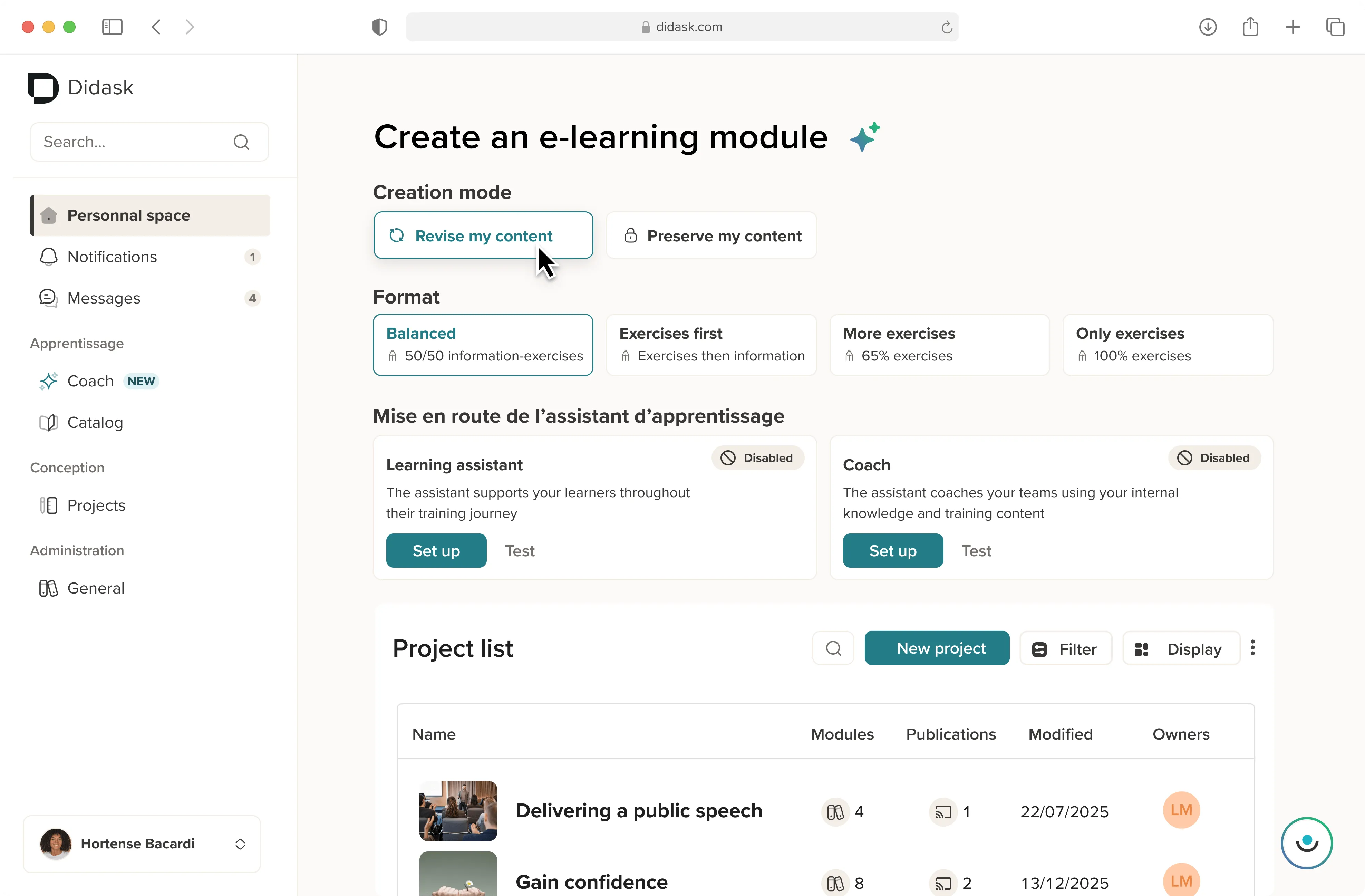
Didask does not ask you to choose between the two. The platform brings content creation and training management into a single environment.
Simplified training management
Training managers enrol learners, follow their progress in real time and generate their reports. Paths adjust to each population and to the obligations that apply to it.
An authoring tool built into the platform
Designers produce directly in Didask, with no third-party software. Pedagogical AI turns raw content into an interactive module: scenarios, corrected activities, retention checkpoints.
Across 2237 courses created, design time was cut by 50 to 65 % (Didask measurement, October 2025). And 83 % of designers had never built a module before becoming autonomous on the platform (8704 learners, June 2023).
Modular, compatible content
Every module stays reusable, reorganisable and editable. An update propagates to all the paths concerned, with no re-export.
SCORM compatibility also means you can deliver your Didask content inside an LMS you already run, if you would rather not migrate straight away.
A design grounded in cognitive science
The difference is not decided by the number of features, but by what learners take away. Didask applies principles drawn from research: active practice, immediate feedback, spaced retrieval.
Result measured with 1780 learners in November 2025: 94 % report the training is useful in their actual work.
Setting LMS against LCMS is like setting a printing press against a bookshop. One manufactures, the other distributes, and you need both functions.
The real question is your ability to produce, quickly, content that genuinely changes practice. That is also what determines the return on investment of your programme.
.webp)
.webp)
.webp)

.webp)


.png)