

Implementing an LMS means running a project in four phases: frame, choose, prepare, then launch and embed. These four phases cover ten steps, and half of them happen before you sign with a vendor.
The stakes go beyond the tool. In France, 36% of companies with fewer than 1,000 employees used at least one form of distance training in 2021. The share reaches 84% among companies with 300 to 999 employees (Céreq Bref no. 484, April 2026). Céreq, the French public centre for research on qualifications, shows that this use closely depends on how training is governed.
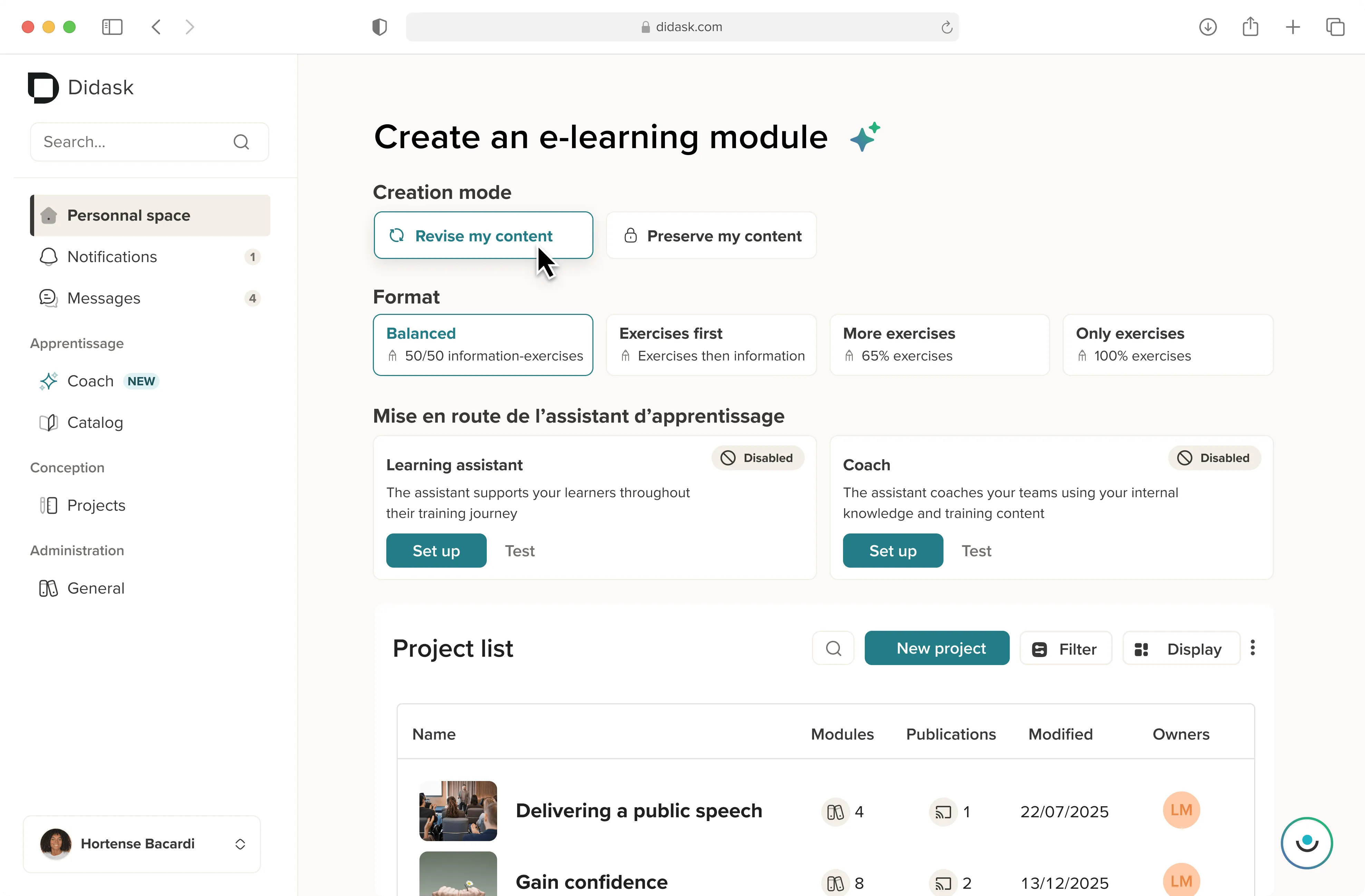
Didask is a French all-in-one training platform, grounded in cognitive science, that generates personalised learning paths from a company's existing content. This guide sets out the method step by step, a ready-to-use requirements checklist and the indicators that tell you whether your rollout is working.
What does implementing an LMS involve?
Implementing an LMS is the project that runs from setting training objectives to regular use of the platform by employees. Its duration depends mainly on the volume of content to migrate and the number of integrations with your information system.
An LMS (Learning Management System) is software used to create, deliver and track an organisation's training. Technical installation is only one part of the project. The rollout covers everything that makes the platform useful: objectives, content, adoption and measurement.
Two factors most often lengthen a project: a large volume of legacy content to migrate and multiple integrations (HRIS, SSO, business tools). If you are replacing an existing platform, data migration adds a step of its own, covered in our guide to switching LMS without a heavy project.
How do you frame the project before choosing the tool?
An LMS project is framed by three decisions taken before any demo. You need measurable objectives tied to a business issue, an audit of what already exists and a project team backed by a sponsor. Without this framing, the platform is chosen from feature lists rather than from your needs.
Step 1: Set training objectives tied to a business issue
A useful training objective starts from a business problem, not from a catalogue. Shortening onboarding for new sales reps, maintaining a regulatory compliance rate, training 400 technicians on a new tool: every project has its own reason to exist.
Then translate this issue into a SMART objective. A SMART objective is specific, measurable, achievable, realistic and time-bound. Example: improve your team leaders' project management skills by 20% within six months, measured through a role-play scenario.
Link each objective to a business indicator tracked by the department concerned. This link between training and results will be your best argument when defending the budget.
Step 2: Analyse your audiences, content and existing tools
The audit of what exists relies on three inventories. They feed directly into the requirements document in step 4.
- Audiences: headcount, roles, office or field work, access to a computer or only to a smartphone.
- Content: formats, volume, date of last update, compatibility with e-learning standards.
- Tools: HRIS, company directory, intranet, CRM and business tools already in place.
Also ask a few employees and managers about their concrete difficulties. Their answers often reveal a need different from the one expressed by senior management.
Step 3: Build the project team and the governance
Training governance refers to how a company organises, funds and steers its training activities. According to the Céreq study published in April 2026, it is a decisive factor in the move to digital learning.

Governance before tools
"The use of online training depends closely on how training is governed within the company." Jimmy Merlet, Senior Lecturer in Economics at Avignon Université, Céreq Bref no. 484, April 2026 (translation).
In practice, each role should have a named owner before the project starts:
For a multi-country rollout, add one lead per country and a translation workflow, as explained in our guide to deploying an LMS internationally.
How do you write LMS requirements?
An LMS requirements document describes the context, audiences, expected uses, technical integrations, security requirements and project budget. It lets you compare vendors on the same basis, and it is written after framing, before demos.
Step 4: Formalise the requirements document
An effective requirements document fits in a few pages. It turns steps 1 to 3 into verifiable requirements that each vendor will have to demonstrate.
Two points are often forgotten. The first is reversibility: how to retrieve your content and data if you leave the vendor. The second is the total cost budget, which includes implementation and your teams' time, not just licences. Our analysis of the real costs of an LMS platform breaks these items down.
The hosting model matters too. A cloud solution, known as SaaS, reduces the internal technical workload; our criteria for choosing and deploying a SaaS LMS set out what to require.
Checklist: are your LMS requirements complete?
0 / 10 items covered
Step 5: Choose the platform on a real use case
Shortlist two or three solutions that meet your requirements. Then ask each vendor for a demo built on your own content and on one of your use cases.
A demo built on dummy content shows the interface, not the quality of the training you will get. Also check the support offered during the rollout, alongside the features.
The detailed selection grid is in our guide to choosing an LMS. Complete it with the 10 questions to ask before choosing an LMS and our comparison of the best LMS solutions.
How do you prepare the platform and content before launch?
Preparation means configuring the platform within your information system and turning existing content into learning paths. The whole set-up is then tested by a pilot group before it opens to everyone.
Step 6: Configure the platform and integrate it with your tools
Configuration aligns the platform with your organisation: roles, access rights, learner groups, company branding. Organise learning paths by audience rather than by topic, so that everyone immediately finds what concerns them.
Integrations avoid double data entry and multiple accounts. Single sign-on, or SSO, lets users log in to the LMS with their company credentials: see our article on LMS and SSO. Syncing with the HRIS automatically updates arrivals, departures and role changes.
Two mechanisms connect the LMS to other tools. An LMS API is an interface that lets two software applications exchange data automatically. The LTI standard ensures interoperability between learning tools.
If your HRIS offers a built-in training module, compare it seriously with a dedicated tool. We explain why an HRIS with a built-in LMS module is often a costly compromise on learning quality.
Step 7: Create your courses in the LMS from existing content
Migrating all existing content as it is remains the most common mistake. A 100-slide presentation moved online is still a 100-slide presentation, only harder to follow.
Sort each piece of content into one of three options:
- Keep content that is recent, short and already interactive.
- Transform content that is accurate but too long or too passive.
- Recreate content that is outdated or serves none of the objectives from step 1.
To transform content, isolate the few concepts that genuinely change practice, then have learners apply them in context. Cognitive science shows that we retain what we practise better than what we reread. Our white paper from 100 slides to 10 essential concepts details this method.
SCORM is a standard that lets you import an e-learning module into any compatible LMS. Check that your existing modules use it, with our article on the SCORM format.
Design time is often the project's first bottleneck. Didask Training cuts the time needed to design a course by 50 to 65% (measured across 2,237 courses, October 2025). For the design process itself, see our guide to creating an online course.
Step 8: Test with a pilot group
A pilot group is a sample of future users who test the platform before it opens to the whole company. It should reflect your real audiences: several roles, different levels of digital confidence, and at least one manager.
Before the test, set the criteria that allow you to move to launch. For example: no blocking bug at login, learning paths understood without help, acceptable time to access a course.
Collect feedback both immediately and after a few weeks. Comments from the first days concern usability; those from the following weeks reveal whether the courses actually help on the job.
How do you make the launch and adoption of the platform succeed?
LMS adoption relies on change management. Train administrators and relay managers before opening, have senior management announce the platform and give employees a concrete reason to log in.
Step 9: Train the relays and orchestrate the launch
Change management is the set of actions that help the people concerned adopt a new way of working. Prosci, a firm specialising in this field, measures its effect on project success.
According to Prosci, 88% of projects with excellent change management meet or exceed their objectives. This rate falls to 13% when change management is poor (Prosci, international study of more than 2,600 practitioners).
A one-to-seven gap
"With excellent change management, your project is approximately seven times more likely to meet objectives than with poor change management." Scott Anderson, Senior Principal Research & Analytics, Prosci, "The Correlation Between Change Management and Project Success".
Prosci's ADKAR model describes the five conditions for successful individual change (Prosci). Each employee needs awareness of why, the desire to take part, knowledge of how, the ability to do it, then reinforcement over time. Your launch plan should cover these five needs.
Train three audiences before opening. Administrators manage the platform day to day. Instructional designers produce the content. Relay managers encourage their teams and spot blockers.
Designer autonomy shapes the rest of the project. 83% of designers using Didask had never created a module before and are now autonomous (Didask study covering 8,704 learners, June 2023).
Finally, run the launch in three stages. First announce the project and what it brings to each person. Then have a member of senior management open the platform. Finally, follow up at regular intervals with a new, useful course.
How do you measure whether the rollout has succeeded?
LMS success is measured at four levels: adoption, engagement, learning and transfer to the job. The completion rate alone does not tell you whether employees' skills have improved.
Step 10: Track the right indicators and iterate
The LTEM (Learning-Transfer Evaluation Model) is an eight-tier training evaluation framework, from mere attendance up to the effects of transfer on the job. It was published in 2018 by Will Thalheimer, founder of Work-Learning Research.
What attendance does not prove
"As the LTEM model suggests, attendance is NOT a meaningful benchmark. Neither is learner satisfaction." Will Thalheimer, founder of Work-Learning Research, March 2019.
Track indicators at each of the four levels, knowing what each one can and cannot prove:
Transfer is the hardest level to measure, but it is the one that justifies the investment. 94% of Didask Training learners say the training is useful in their actual work (1,780 learners, November 2025).
To choose and calculate your indicators, use our guide to training KPIs. Review them every quarter with the sponsor: remove little-used content and enrich what produces results.
An LMS trains at the moment the learning path plans. In the middle of a task, an AI coach built into work tools takes over, such as Didask Coaching.
What resistance slows down LMS implementation, and how do you respond?
Resistance comes from five groups: senior management, managers, instructional designers, IT and learners. Each one concerns a specific point, cost, time, control, security or fatigue, and should be addressed from the framing stage.
Learners' distrust is often aimed at the tool rather than the training. When asked by Fosway Group, fewer than four in ten respondents said their learning platforms were fit for the modern workforce (Digital Learning Realities 2025, European study).
Unaddressed resistance later shows up in login figures. To revive an under-used platform, see our advice on improving engagement on your LMS.
What sets a successful rollout apart?
A successful LMS does not depend first on the platform chosen. It depends on a project framed by business objectives, carried by an identified team and measured beyond the completion rate.
The most often neglected steps are also the least visible: governance, sorting existing content and training the relays. They are what turn an installed platform into a used one.