


94% of Didask users confirm a positive impact on their professional practices. This figure reveals the transformative potential of a well-chosen SaaS LMS.
But between marketing promises and reality on the ground, how do you distinguish solutions that really generate results? The cloud has changed the training economy: TCO divided by 3, deployment in weeks rather than months, measurable ROI as early as 90 days.
This guide deciphers the real challenges of LMS in SaaS mode. You will find decision grids, ROI calculation methods and a deployment plan.
What is a SaaS LMS and how does it differ from an on-premise one?
A SaaS LMS (Learning Management System Software as a Service), by definition, is a training management system hosted in the cloud. Contrary to on-premise model (proprietary) installed on your servers, the SaaS software works by subscription with web access.
This difference in architecture has a profound impact on your training strategy (and the LMS price): The SaaS solution eliminates up to 80% of infrastructure costs.
The SaaS model redistributes responsibilities within your organization. Your CIO frees itself from the maintenance burden to focus on integrating with your digital ecosystem and specific online training needs.
What are the specific advantages of a SaaS LMS?
Instant scalability transforms your ability to act. Ternois Fermetures trained 34% more employees in one year thanks to this flexibility.
Time-to-value is accelerating drastically. The first courses are operational between 2 and 4 weeks against a minimum of 3 months on-premise.
Measured benefits for training teams:
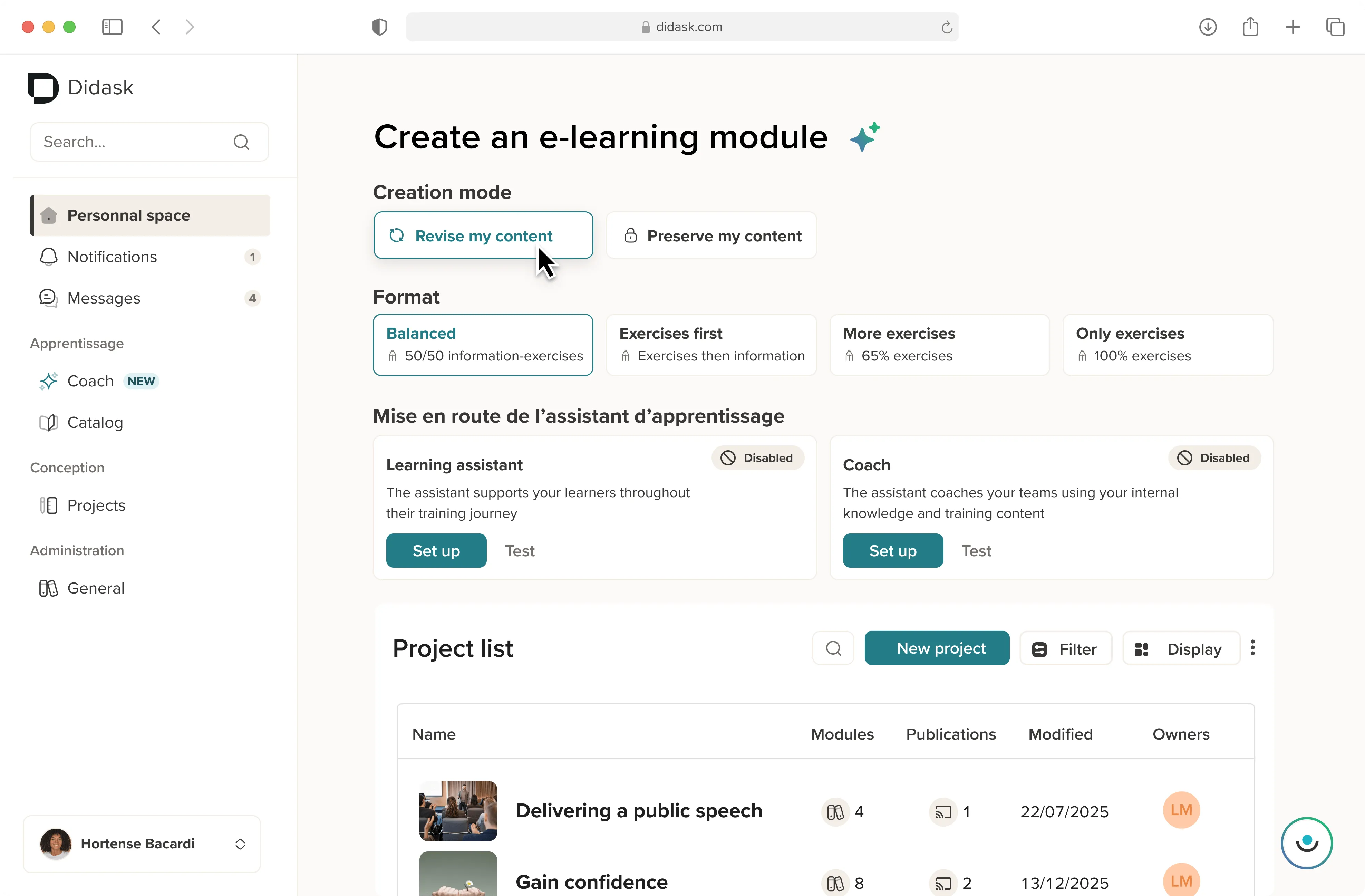
- Create content 10x faster with Didask's AI
- Multi-site deployment without technical constraints
- Real-time analytics to drive efficiency
- Native API integrations with the HR ecosystem
Impact on the IT and IT side:
- Zero servers to maintain and secure
- GDPR compliance guaranteed by the supplier
- SLA of 99.9% contractual availability
- Automatic backup and disaster recovery plan included
What limits should be anticipated and how to deal with them?
Dependence on the supplier is a legitimate concern. Contractually require the complete reversibility of your data and content.
Connectivity challenges persist in certain contexts. Choose solutions with offline mode and automatic synchronization.
Checklist of essential safeguards:
- ✓ Reversibility clause with native SCORM/xAPI export
- ✓ SLA specifying compensations in case of unavailability
- ✓ EU data location for the GDPR
- ✓ ISO 27001 supplier security audit
- ✓ Documented API for data extraction
- ✓ Detailed business continuity plan
What functionalities should a SaaS LMS offer?
The fundamentals of learning management software are no longer enough. A modern system must combine efficient administration, intuitive course creation, and educational intelligence to meet new vocational training needs.
SCORM (Sharable Content Object Reference Model) integration remains critical to capitalize on your existing training programs. But give priority xAPI to track all types of collaborative and informal learning in your new platform.
What advanced features really make a difference?
Adaptive learning goes beyond simple conditional branching. Didask's educational AI dynamically adjusts difficulty, format, and pace.
The authoring tool integrated with AI turns your experts into successful designers. Canal+ divides its creation time by 10.
Differentiating technologies based on cognitive science:
- Adaptive spacing : Optimal reactivation according to the forgetting curve
- Testing effect : Learning by error with immediate feedback
- Automatic granularization : Optimal cognitive division of content
- Variability of practices : Contextualized exercises for transfer
According to what criteria should SaaS LMS be evaluated and compared?
A structured evaluation grid avoids bias during the process of choosing an LMS system. Weighten according to your main needs and the intended use within your digital training environment.
What market benchmarks and what positioning should we compare?
The market offers radically different approaches. This comparative grid summarizes the strengths of each actor.
Didask stands out for its unique scientific approach in this Comparison of the best LMS systems. 94% of learners confirm a transfer in a real situation thanks to this platform used by a wide range of companies.
When is Didask the best choice?
Is your priority challenge measurable skills development? Didask guarantees quantified results, not just completion rates.
Do your business experts create the training courses? Educational AI transforms their raw content into effective courses without educational engineering.
Contexts where Didask particularly excels:
- ✓ Complex job training requiring field transfer
- ✓ Fast deployments with limited learning resources
- ✓ Optimization of an existing LMS via integrated Didask modules
- ✓ ROI measure required by management
- ✓ Field populations that are not very available (adaptive micro-learning)
How to calculate the impact and ROI of a SaaS LMS?
The ROI training goes beyond simple cost savings. The formula integrates productivity gains and the reduction of errors.
Concrete example : Ternois Closures saves €10,200/year by reducing face-to-face attendance by 50% while increasing performance.
Performance indicators to track:
- Level 1 (Reaction) : NPS and satisfaction > 80%
- Level 2 (Apprenticeship) : Skill mastery rate
- Level 3 (Behaviour) : Field application measured at 30/60/90 days
- Level 4 (Results) : Business KPIs impacted (sales, quality, security)
How do you successfully deploy in 30-60-90 days?
The progressive method maximizes adoption. Start with a targeted pilot before generalization.
Proven deployment plan:
Phase 1 (J0—J30) — Framing
- Define SMART goals and success KPIs.
- Identify a pilot population of 50 to 100 users.
- Configure SSO and user import.
- Create a first MVP journey with the author tool.
Stage 2 (J30—J60) — Pilot
- Start the pilot with a motivated test group.
- Measure engagement and gather feedback.
- Adjust content based on feedback.
- Training future champions.
Phase 3 (J60—J90) — Generalization
- Deploy in successive waves.
- Enable communications and nudges.
- Publish the first feedback/success stories.
- Establish the governance and the content roadmap.
How do you drive change and stimulate engagement?
70% of adoption depends on human support. Technology alone is never enough.
Behavioral nudges increase completion by 35%. Didask automates personalized reminders and contextual incentives.
Really transform learning with the right SaaS LMS
Choosing a SaaS LMS has a lasting impact on your capacity for transformation. Beyond functionalities, focus on proven pedagogical effectiveness.
Cognitive science makes the difference between training and transformation. Didask guarantees this scale-up with a confirmed 94% impact on the ground.
.webp)
.webp)
.webp)

.webp)


.png)