


Your employees juggle dozens of passwords on a daily basis. The result: frustrating connections, piling up on IT tickets and training courses that are neglected due to lack of quick access. Single Sign-On (SSO) transforms this reality by allowing smooth and secure access to your corporate LMS.
What is SSO and how does it work with an LMS?
SSO is a single sign-on mechanism. It allows your users to access several professional applications with a single set of identifiers, for example that of their Windows or Google Workspace session.
The process relies on two key players. The identity provider (IdP) verifies the identity of the user through the corporate directory. The service provider (SP) — your LMS — trusts this check to authorize access without asking for a password again.
Concretely, when a learner clicks on the link to their course, the IdP confirms their identity in the background. The LMS receives a secure assertion containing the necessary information: name, email, membership group. Access is granted instantly.
Think of SSO as a universal access badge that opens all the doors of your digital ecosystem without taking out your keys every time.
SSO protocols compatible with LMS
Four protocols dominate the enterprise authentication market:
- SAML 2.0 : an XML standard preferred by large companies, it allows exchanges of signed assertions between IdP and SP with a high level of security
- OAuth 2.0 : authorization framework that delegates access to resources without sharing identifiers, serving as the basis for OpenID Connect
- OpenID Connect (OIDC) : authentication layer built on OAuth 2.0, a modern protocol particularly suited to mobile and SaaS applications
- LDAP : directory protocol for synchronizing user data and permissions from Active Directory
Most of professional LMS support SAML 2.0 and OIDC natively. Check this compatibility before choosing a platform.
The concrete benefits of SSO for your LMS
A smooth user experience
SSO removes connection friction. Your learners access their training in one click from the intranet, the HRIS or their email. No need to find yet another password or go through a reset procedure.
Businesses see a 15 to 25% increase in training engagement after activating SSO. This improvement can be explained simply: each obstacle removed between the learner and their content increases the chances of it actually forming.
Strengthened security
59% of users reuse passwords across multiple business and personal accounts. SSO eliminates this major risk by centralizing authentication on a single point and controlled by the IT department.
In the event of an employee leaving, deactivating their IdP account instantly revokes their access to all connected applications, including LMS. No more risk of forgetting or delaying the management of authorizations.
A lighter IT load
Password reset requests represent 25 to 40% of support tickets in businesses. SSO drastically reduces this volume while automating the provisioning and deprovisioning of user accounts.
How to integrate SSO into your LMS
Step 1 — Identify your identity provider Microsoft Entra ID (ex-Azure AD), Okta, Google Workspace, or Ping Identity: choose based on the ecosystem already deployed in your organization. The majority of businesses already use an identity provider (IdP) without necessarily exploiting its full potential.
Step 2 — Check the compatibility of your LMS. What protocols does it support natively? Is the integration documented or does it require specific development? A modern LMS offers ready-to-use connectors for major IdPs.
Step 3 — Set up the connection Exchange XML metadata between IdP and LMS: endpoint URLs, signature certificates, entity identifiers. Then map the user attributes (email, name, groups) so that the LMS gets the right information.
Step 4 — Test and Deploy Validate the authentication flow with a pilot group prior to general deployment. Prepare clear communication to support your teams through this change — even if the experience is becoming simpler.
SSO and MFA: the winning duo
SSO creates a single entry point to your applications. This centralization, while simplifying the experience, also concentrates risks. A compromise of the main account opens access to the entire ecosystem.
MFA (multi-factor authentication) provides the necessary protection. Beyond the password, the user confirms his identity via an authentication application, biometrics or a physical key such as YubiKey.
Adaptive authentication takes this logic further. It dynamically adjusts the level of verification according to the context: a connection from a new device, an unusual location or an atypical time automatically triggers an additional check. Employees in the office on their usual workstation have frictionless access; those who connect from abroad must prove their identity.
Didask: the training platform that is natively compatible with SSO
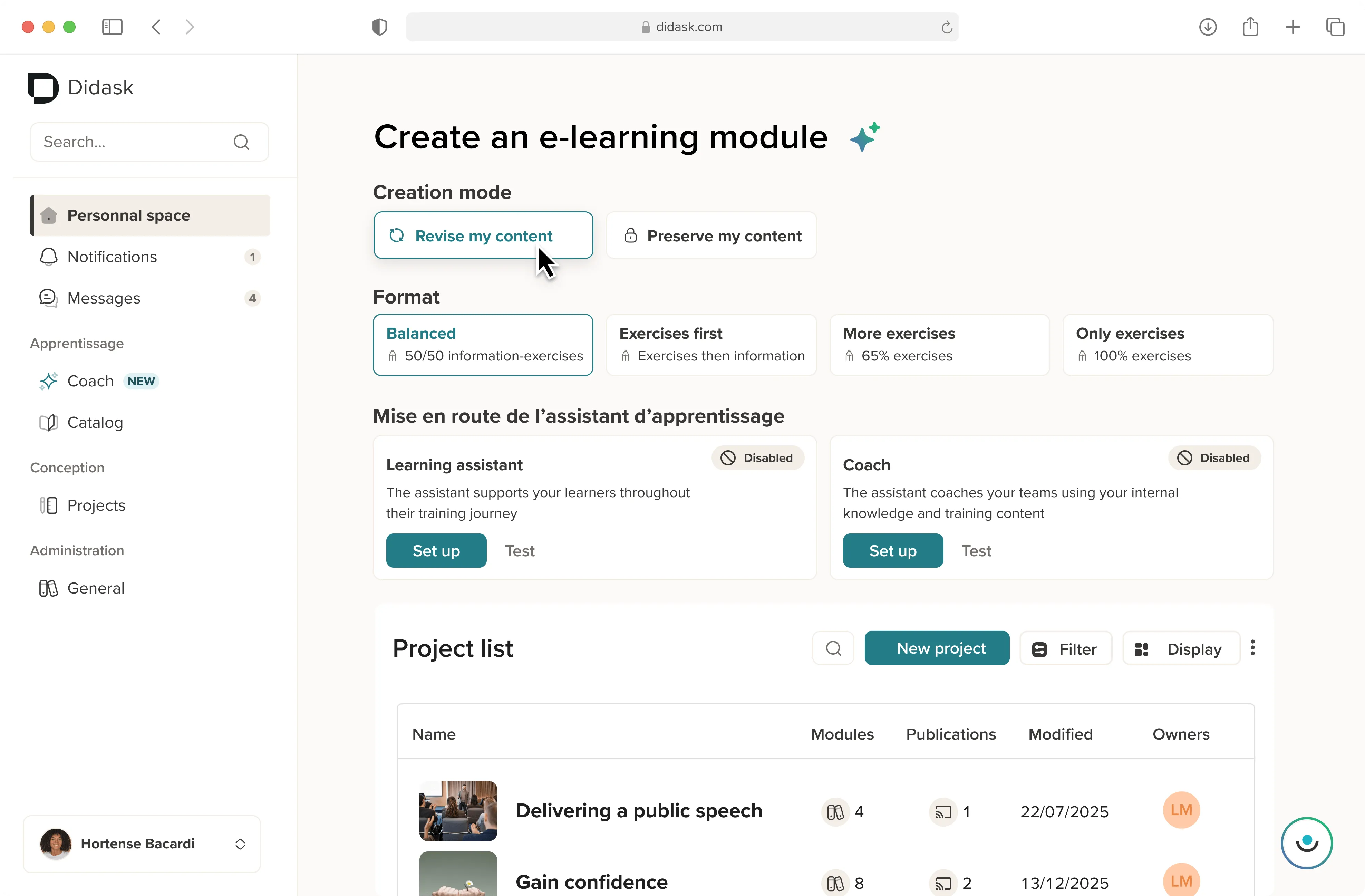
The Didask platform integrates natively with the main identity providers on the market: Microsoft Entra ID, Okta, Google Workspace and any IDP compatible with SAML 2.0 or OpenID Connect. The configuration is carried out in a few steps with the support of our technical teams. It is free and can be tested before production.
Beyond SSO, Didask combines this ease of access with a pedagogical approach based on cognitive science. The result: your learners connect without friction and benefit from an optimized learning experience to permanently anchor skills.
SSO is no longer an option but a standard for enterprise LMS. It combines optimal user experience, enhanced security and measurable operational gains for IT teams and learners alike.
The future is moving towards solutions where authentication becomes completely transparent. In the meantime, SSO integration remains the first lever to streamline access to training and maximize the adoption of your platform.
.webp)
.webp)
.webp)





.png)