

A conversation with Didask's UX design team
What do we mean by UX within an e-Learning platform?
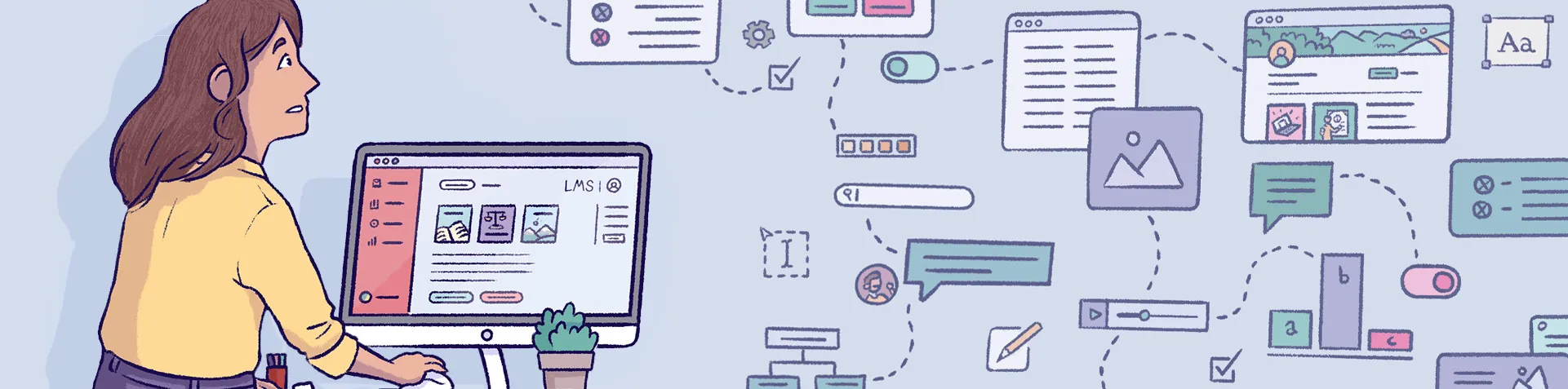
UX, or "User Experience", refers to the totality of the experience a user has when navigating and interacting with a product or service. In the context of an eLearning platform, this goes well beyond simple ease of use. It is the combination of several elements, such as intuitive understanding of the interface, the relevance of the information presented, and the overall satisfaction felt when interacting with the platform.
When designing the UX of an LMS, it is crucial to think not only about the learner's journey, but also about that of designers, administrators and other key roles. Every detail, from the layout of elements to the efficiency of the workflow, contributes to the overall user experience. Excellent UX therefore results in an intuitive interface, smooth navigation and frictionless interaction.
Does the evolution of platform UX mean that LMS systems are constantly improving?
Absolutely. The evolution of UX reflects a better understanding of user needs and the integration of technological advances. However, it is worth noting that UX is not simply a finished product. It is a continuous process of improvement based on user feedback, market trends and technical innovations.
That said, the true indicator of successful UX is the platform's ability to respond to the changing needs of its users while offering a consistent and engaging experience. New features must be integrated smoothly, while preserving the familiarity and efficiency of the interface.
When we talk about UX in eLearning, the focus is often placed on the learner experience. What about the design or administration experience?
It is essential to understand that the experience of designers and administrators is just as crucial as that of learners. If content creation, administration and management become laborious or counterintuitive, this can have a negative impact on the content offered to learners.
Designers are at the heart of the content creation process. Poor UX for them can lead to delays, errors or even discourage the creation of quality content. The importance of good UX for designers and administrators therefore cannot be underestimated.
What distinguishes the UX of a good LMS from a less good one?
Several elements can distinguish a good LMS from a less good one in terms of UX. First, a clear information hierarchy is essential. Users should not be overwhelmed with unnecessary information. Next, the interface must offer intuitive guidance, naturally leading the user through the various steps and features.
Adaptability is also a key factor. A good LMS must be able to evolve with the needs of its users, while offering a consistent experience. Finally, the speed and responsiveness of the platform are crucial. Long loading times or recurring bugs can greatly harm the user experience.
Is UX a crucial criterion when choosing an eLearning platform?
Absolutely. UX can play a decisive role in the success or failure of an eLearning initiative. A poorly designed or complicated user interface can discourage users, whether they are learners, designers or administrators. Therefore, when selecting an eLearning platform, it is essential to evaluate the UX, factor it into the decision-making process, and ensure that it meets the needs and expectations of all potential users.
What advice would you give for evaluating the UX of an LMS studio?
When evaluating an LMS, the first step often involves watching or attending demonstrations. This step is essential as it provides a general first impression of the solution and allows you to understand its main features. However, it is crucial to go beyond this initial approach. "Free trial" options can prove disappointing, often due to the lack of support and onboarding, leaving users uncertain about how to proceed. At Didask, we take a different approach. Once dialogue has been established with our sales team and your needs have been clearly identified, we offer personalised access to the solution. Not only does this allow you to explore the user experience in a context perfectly tailored to your specific expectations, but it is also an opportunity for us to gather valuable feedback that feeds into our continuous improvement process.
.webp)
.webp)
.webp)





.png)